
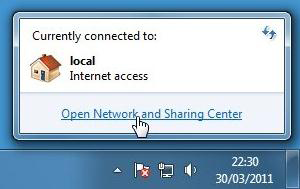
 2. If you are using a wireless connection the network icon will look like this instead:
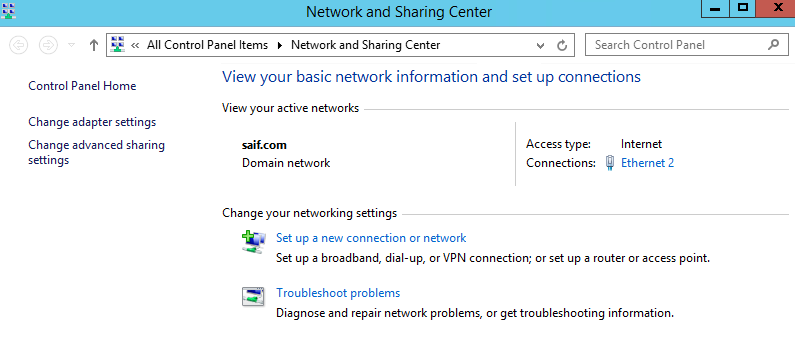
 3. Click "Setup a new connection or network".
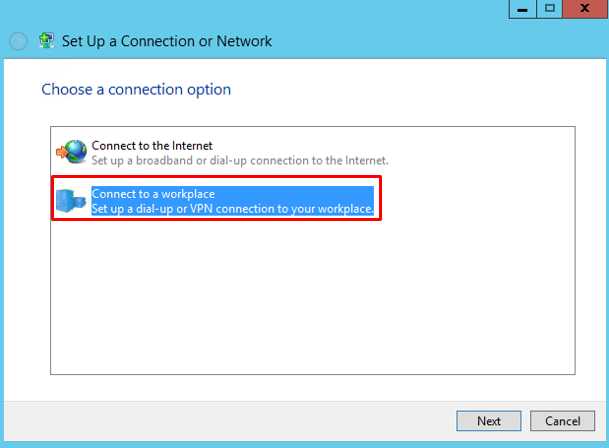
 4. Click "Connect to a workplace".
 5. Click "Use my Internet connection (VPN)".
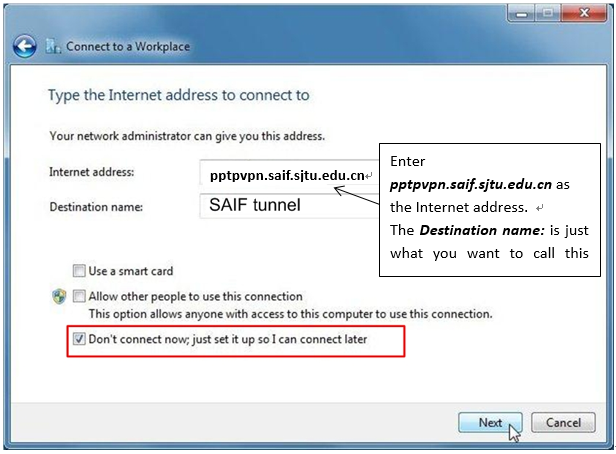
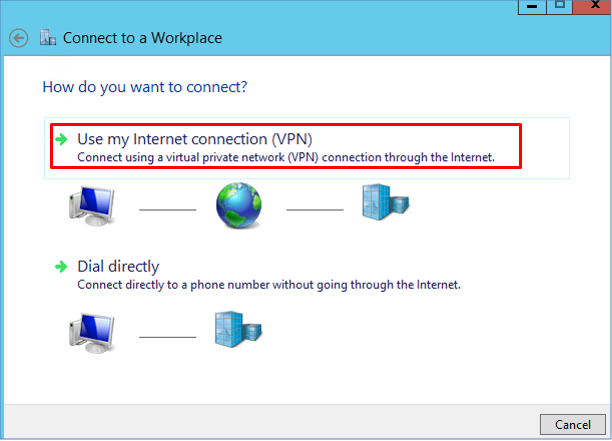 6. When the window below appears, enter the Internet address as the following:
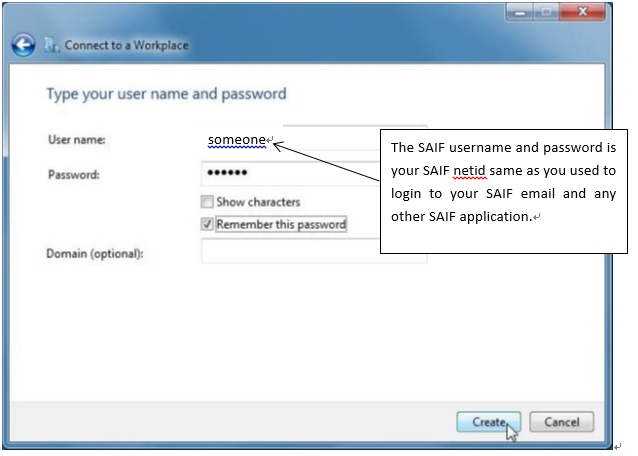
 7. Enter your SAIF username and password. Select Remember this password if you wish.
  8. If you are using windows 7, just ignore this step.
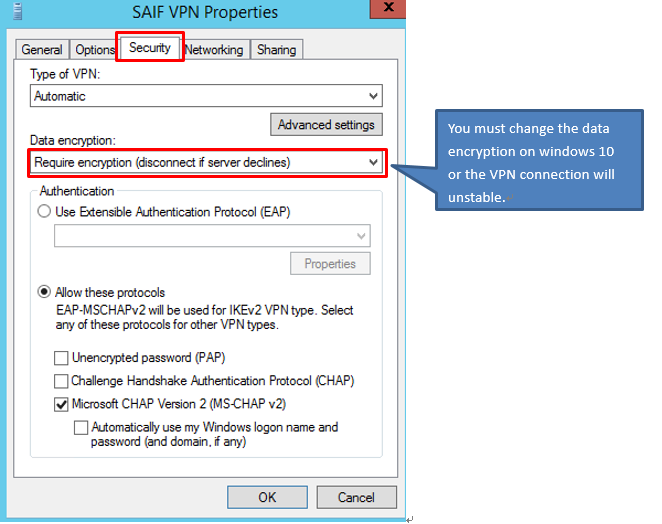
If you are using Windows 8 or 10, please change the security option of the VPN connection you just created.
8. If you are using windows 7, just ignore this step.
If you are using Windows 8 or 10, please change the security option of the VPN connection you just created.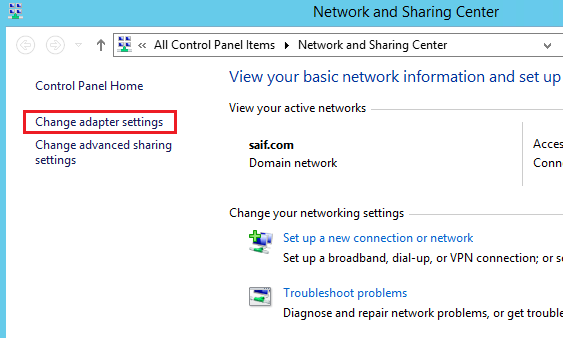 c. Right click the VPN connection you just created and select properties.
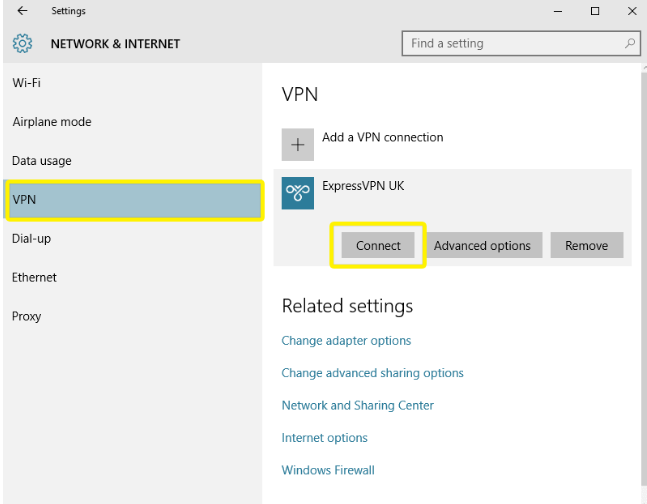
  9. Connect to the VPN on Windows PC.
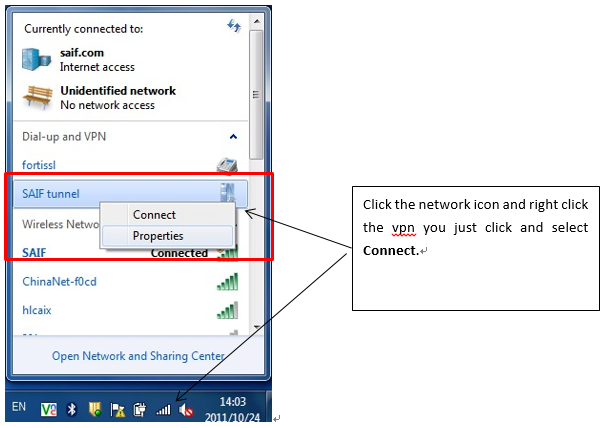 ● To connect to the VPN on windows 8